
Why your eyes feel cooked by mid-afternoon
Here is an illustrative example. It is three in the afternoon and Dana has been editing a spreadsheet since lunch. Her eyes burn a little, the numbers blur when she looks up, and she has a dull ache over her brow. She assumes she needs new glasses. What she actually needs, most likely, is to look out the window for twenty seconds, and to do it again twenty minutes later.
Eye doctors have a name for this cluster of symptoms: digital eye strain, sometimes called computer vision syndrome. The American Academy of Ophthalmology describes it as common, uncomfortable, and in most cases temporary. The fix they recommend most often fits on a sticky note.
What the rule says
Every 20 minutes, look at something about 20 feet away for at least 20 seconds. That is it. A tree outside, the far wall of an office, a car down the street.
The rule is widely credited to optometrist Jeffrey Anshel, who described it in his writing on visual ergonomics, and it is now recommended by the American Optometric Association and the American Academy of Ophthalmology.
Why close work tires your eyes
Focusing up close is muscle work. A ring of muscle inside the eye, the ciliary muscle, squeezes so the lens can bulge and bring near things into focus. Optometrists call that accommodation. Keep it clenched on a spreadsheet for three hours and it's a bit like holding a coffee mug out at arm's length all afternoon: light, sure, until it isn't.
The second issue is blinking. Studies cited by the Academy of Ophthalmology find that people blink much less often when staring at screens, and many of those blinks are incomplete. Fewer blinks mean the tear film on the front of the eye dries out, which produces that gritty, burning feeling.
Gazing at the far end of the parking lot lets that muscle unclench, and almost nobody stares at a tree without blinking a few times. Two problems, one twenty second fix.
What it will not do
You might be thinking this sounds too simple to matter. It is simple, and it targets a specific kind of discomfort. It will not correct a vision problem you already have. It will not prevent age related changes in focus, which most people notice in their forties. The Academy also says there is no good evidence that screens permanently damage your eyes, and it does not recommend blue light filtering glasses for eye strain.
Still getting headaches, blur, or an ache behind the eyes after a week of honest breaks? Book an exam. A prescription that's drifted since your last visit, or dry eye that needs real treatment, can feel exactly like screen strain.
Making it stick
The hard part is remembering. Twenty minutes slips by fast. A few ways people make it automatic:
Some offices stretch the idea: a fifteen minute walk away from the monitor every couple of hours. If your boss and your inbox allow it, stack both.
- Use a timer app or a repeating reminder on your computer. Many free ones exist, and some operating systems include break reminders in their accessibility settings.
- Tie it to something you already do. Every time you send an email or finish a task, look up.
- Put a target in view. Arrange your desk so a window or a far doorway sits just past your screen. You are more likely to look at something if it is already there.
- Pair it with water. A glass on the desk is a cue to look up when you reach for it.
Small desk changes that help too
A few setup changes lower the load on your eyes:
Your next step is to set one repeating 20 minute reminder for tomorrow's workday and try it for a full week. On Friday, notice whether the afternoon burn and blur showed up less. If it did, keep it. If it did not, that is a good reason to book an eye exam.
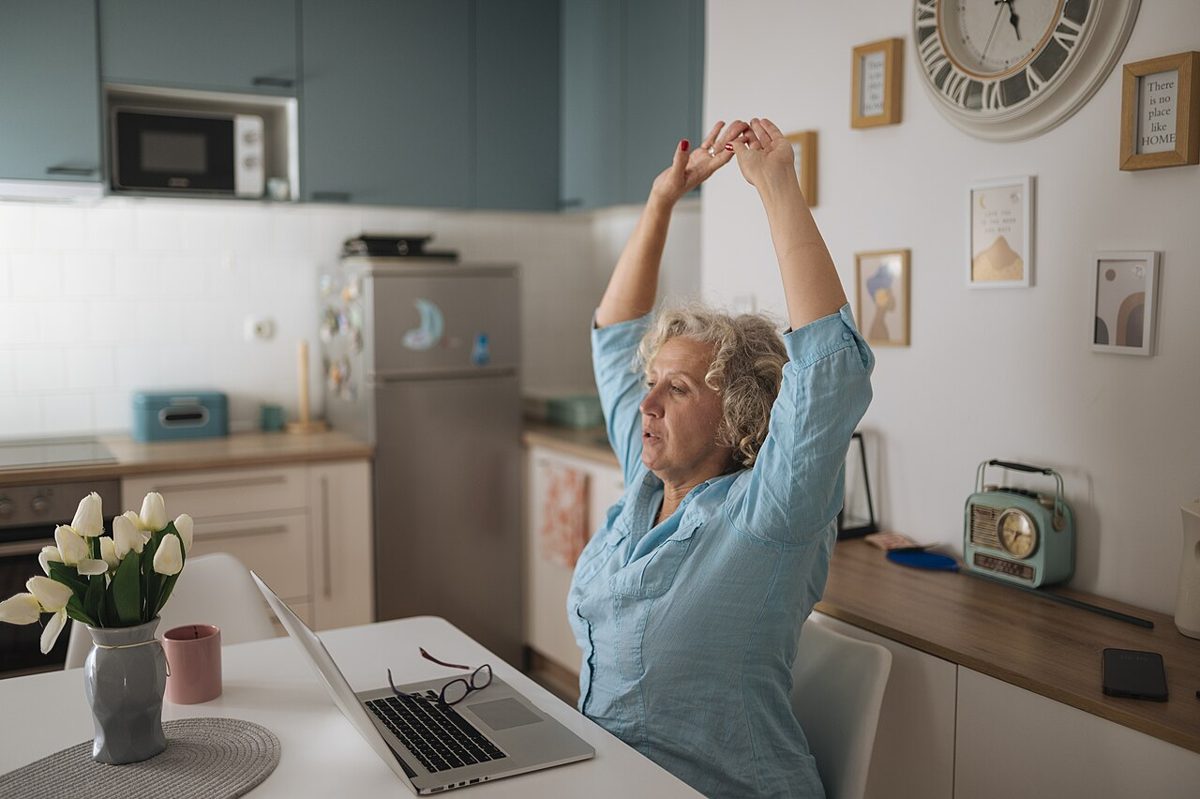
Image: Woman stretches at home office desk while working on laptop, Shixart1985. CC BY 2.0, via Wikimedia Commons. Sources: American Academy of Ophthalmology, Computers, digital devices and eye strain; American Optometric Association, Computer vision syndrome; American Academy of Ophthalmology, Should you be worried about blue light?.
- Keep the screen about an arm's length away, with the top of the monitor at or a little below eye level.
- Match the screen's brightness to the room. A screen glowing much brighter than its surroundings is harder on the eyes.
- Reduce glare from windows by angling the screen or closing the blinds partway.
- Make text bigger. Zooming in to 110 or 125 percent costs nothing.
- If your eyes feel dry, try preservative free artificial tears, and check with a pharmacist or eye doctor if they do not help.
Free printable
The 7-day sleep, movement and mood tracker
One page, three habits, a few seconds each evening. Built on the CDC sleep guidance and the U.S. activity guidelines, with a day-7 review to spot your own pattern.
You'll also get occasional wellness notes. Unsubscribe any time.
Continue learning
Further reading
Healthy Body Mind Life provides educational self-help content only. It is not medical, nutritional, therapeutic, or licensed counseling advice. For personal health concerns, consult an appropriately qualified professional.